3CX Telephone Communications
3.1.2 3CX APP Windows Installation
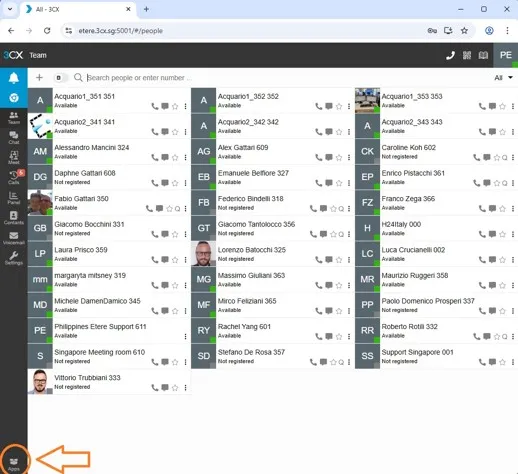
Fig. 02 enter in sign in 3cx web https://etere.3cx.sg:5001/
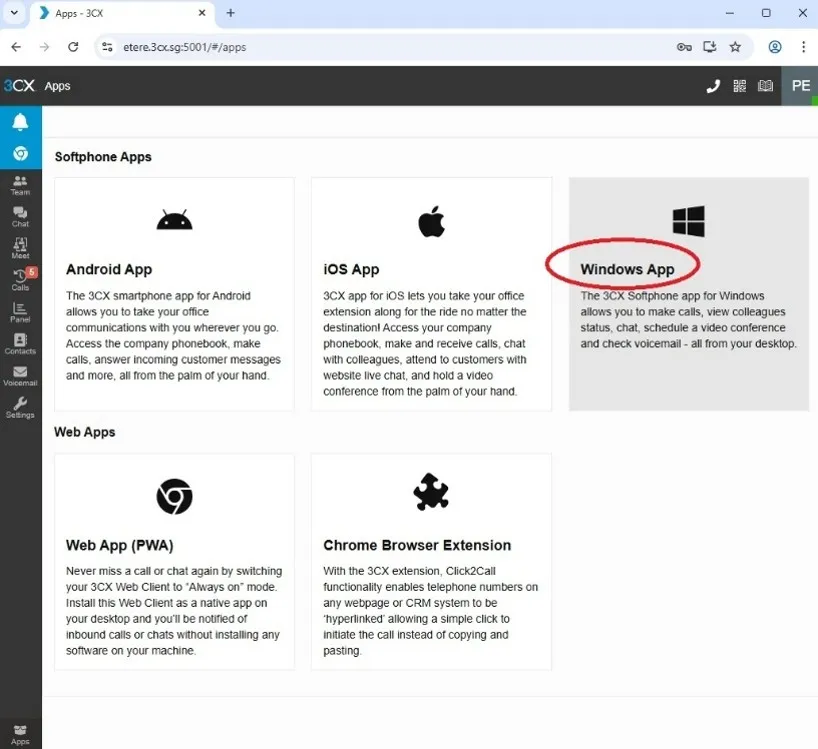
Fig. 03 windows app
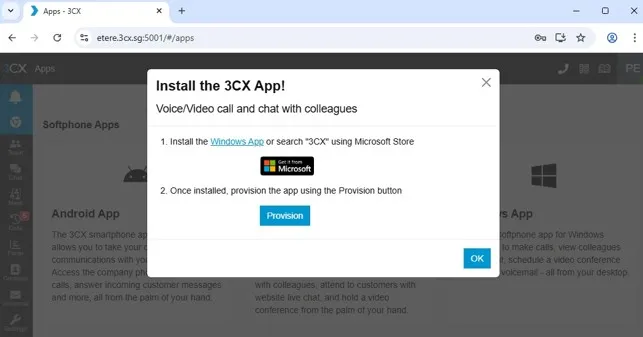
Fig. 04 windows app
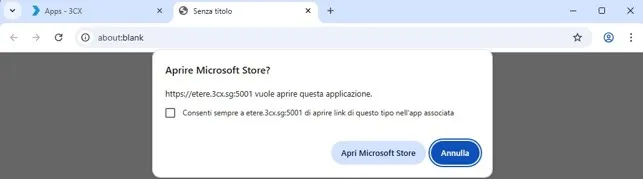
Fig. 05 windows app- open Microsoft store
Fig. 06 microsoft store
Fig. 07 microsoft store- get 3cx app
Fig. 08 run 3cx app
In 3cx app- settings- insert: https://etere.3cx.sg:5001/
Username and password credentials must be requested from the responsible manager, who will provide
them to the employee
Fig. 09 3CX app- settings
Fig. 10 3cx app windows working
Fig. 11 3cx app windows- access your microphone
02_enter_web_system_application
03_windows_app
04_windows_app
05_windows_app-_open_Microsoft_store
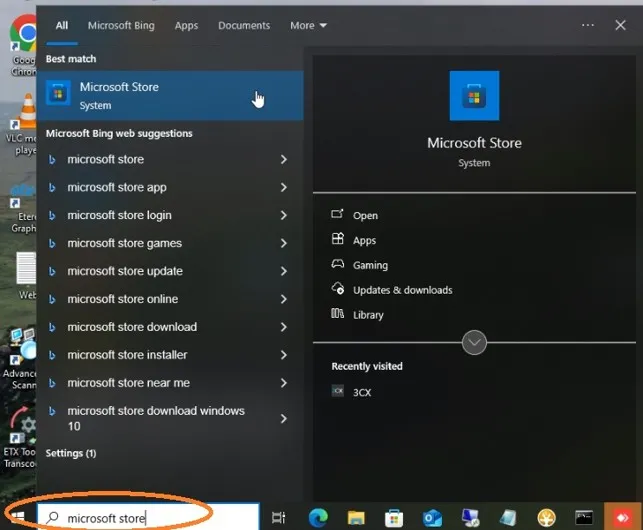
06_microsoft_store
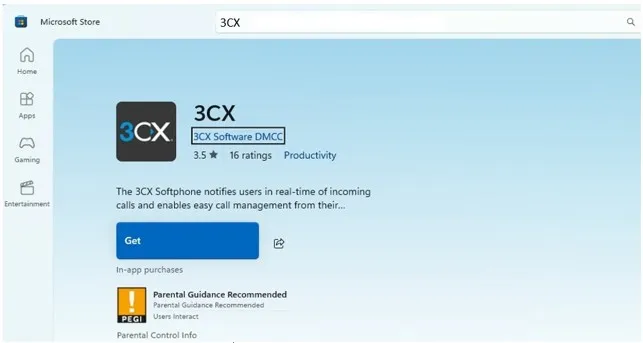
07_microsoft_store-_get_3cx_app
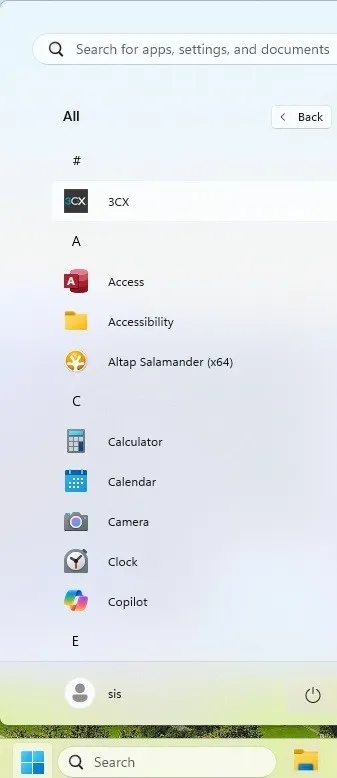
08_run_3cx_app
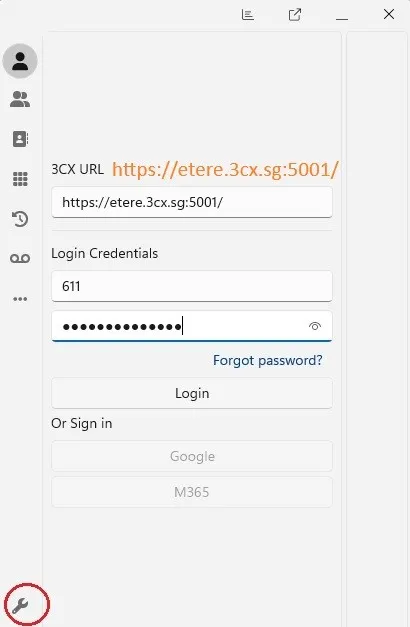
09_3CX_app-_settings
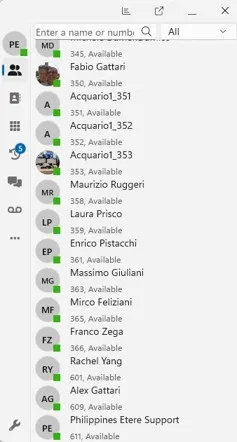
10_3cx_app_windows_working
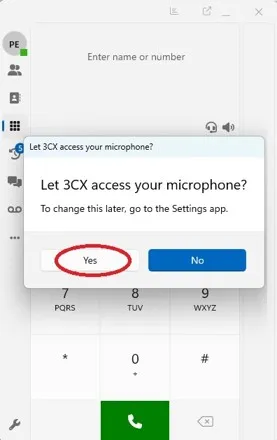
11_3cx_app_windows_working-_access_your_microphone